
Bring your document
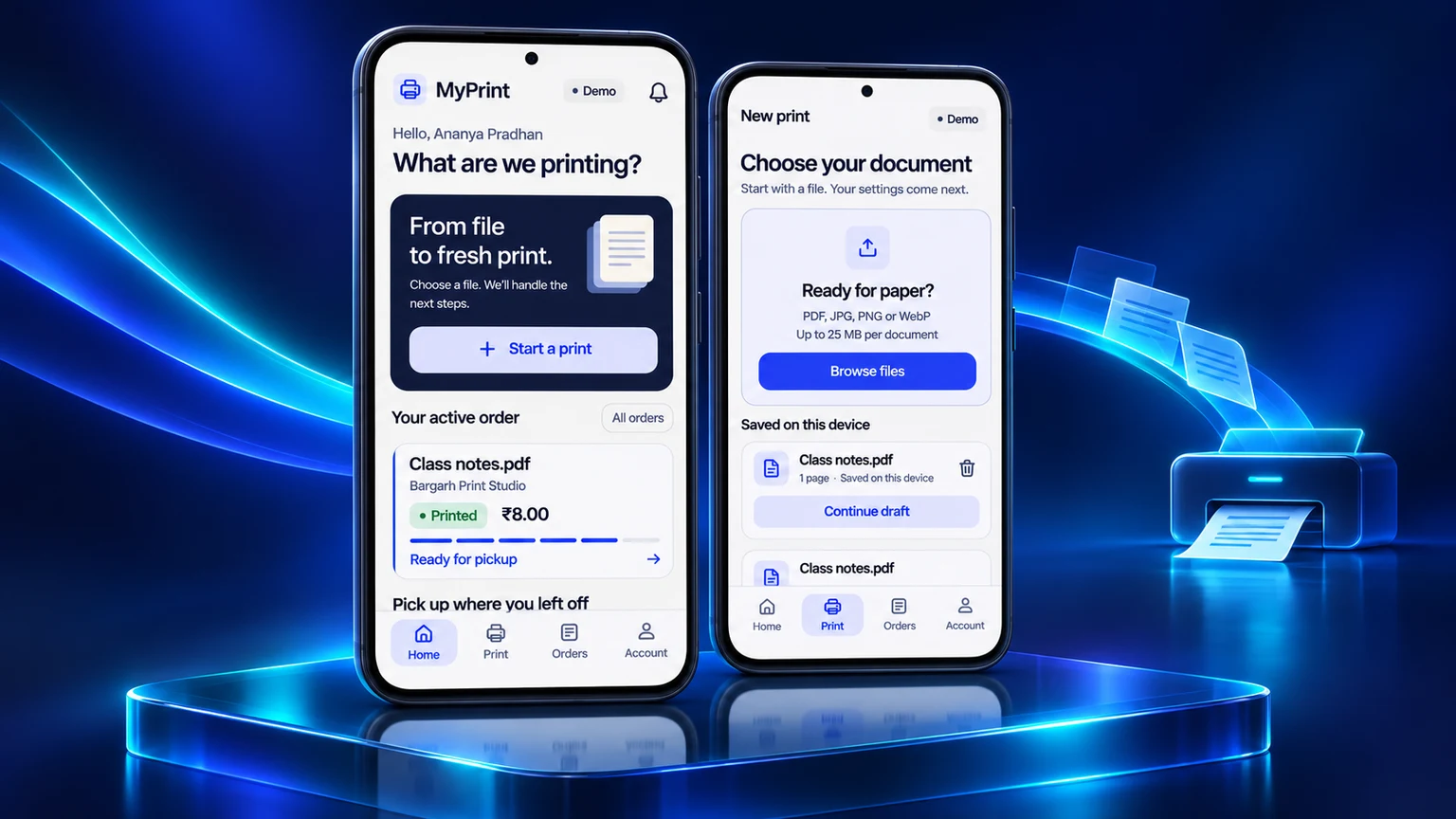
Start with a PDF or supported image. Saved drafts help you pick up where you left off on your device.
BUILT AROUND THE WAY YOU WORK
Choose a file, set up your print, and follow the order. MyPrint brings the customer experience together with EasyDesk, the Windows workspace that helps print shops handle incoming orders and their daily document work.
THE TOOLS INSIDE
Start with a PDF or supported image. Saved drafts help you pick up where you left off on your device.
Set copies, colour, paper, orientation, and page ranges where supported. Preview the document before placing an order.
Select an available print shop and review its current price before confirming your order.
See order stages, revisit past orders, and check pickup details from your customer workspace.
Review incoming orders and send approved jobs to configured Windows printers from the shop workspace.
EasyDesk includes image and PDF tools for document preparation, photo cleanup, and common print-shop tasks.
FROM START TO FINISH
Move through the work in a focused, familiar sequence.
Upload your document or continue a saved draft.
Select the shop, print options, and review the price.
Follow the order and use the pickup details when ready.
Yes. Open the MyPrint web app to choose a document, select an available shop, and manage your orders.
Shop printing uses EasyDesk on Windows with an enabled, connected printer and its print helper. Available settings and device feedback depend on the printer.
The ordering flow shows the available payment methods and current shop price. Check the order tracker for pickup information and confirm collection with your shop.
LET’S EXPLORE THE POSSIBILITIES
Discuss your requirements, see a demo, and ask about pricing.